Install the EDK
To install EDK on your workstation:
- Log in to your workstation as an Administrator.
- Download the EDK package from here.
- Unzip the package on your workstation.
- Double-click the setup.exe file. The License Agreement window is displayed.
- Select the I accept the agreement radio button.
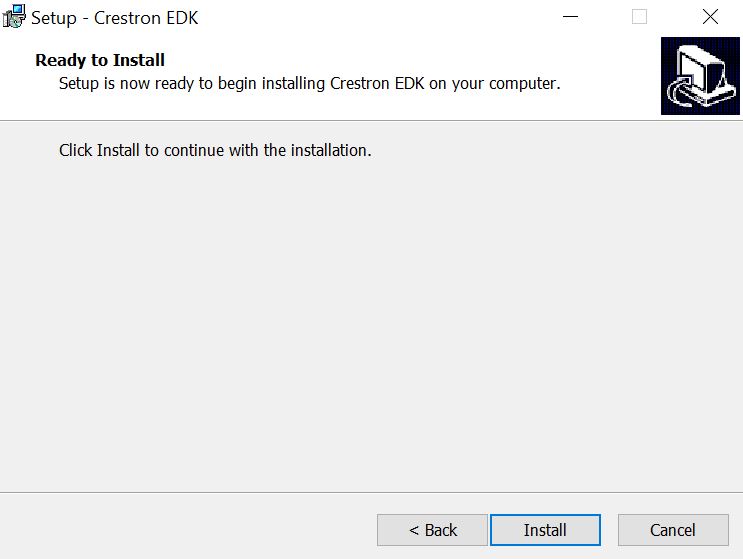
- Select Next. The Ready to Install window is displayed
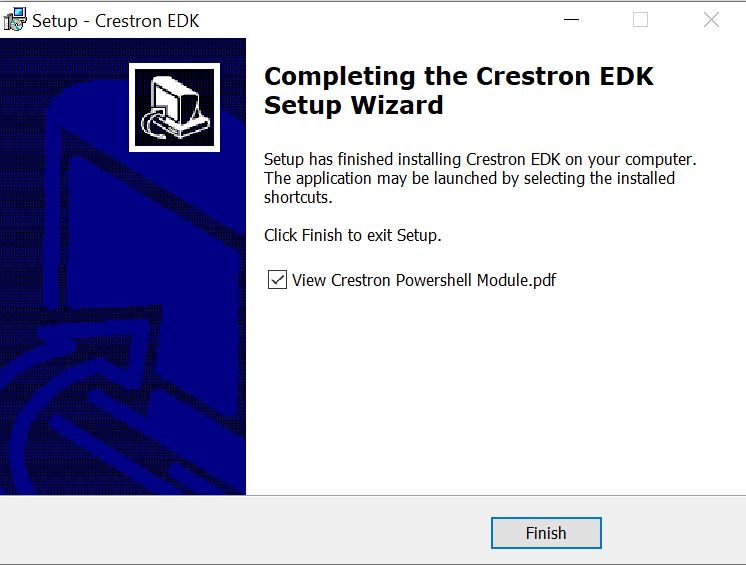
- Select Install. The Completing the Crestron EDK Setup Wizard window is displayed after the installation completes.
- (Optional) Select the View Crestron Powershell Module.pdf check box to view the PowerShell Module guide.
- Select Finish.

The EDK installation is completed and the PSCrestron folder is created within the Documents / WindowsPowerShell / Module directory. The Crestron EDK is also listed as a Start menu item.
